5gbd Login — Back to Your Account
Enter your registered mobile number and password to sign in. Deposits arrive in under 1 minute via bKash, Nagad, Rocket, or Upay. New here? Create a free account first.
SSL-encrypted connection · 18+ · Play Responsibly
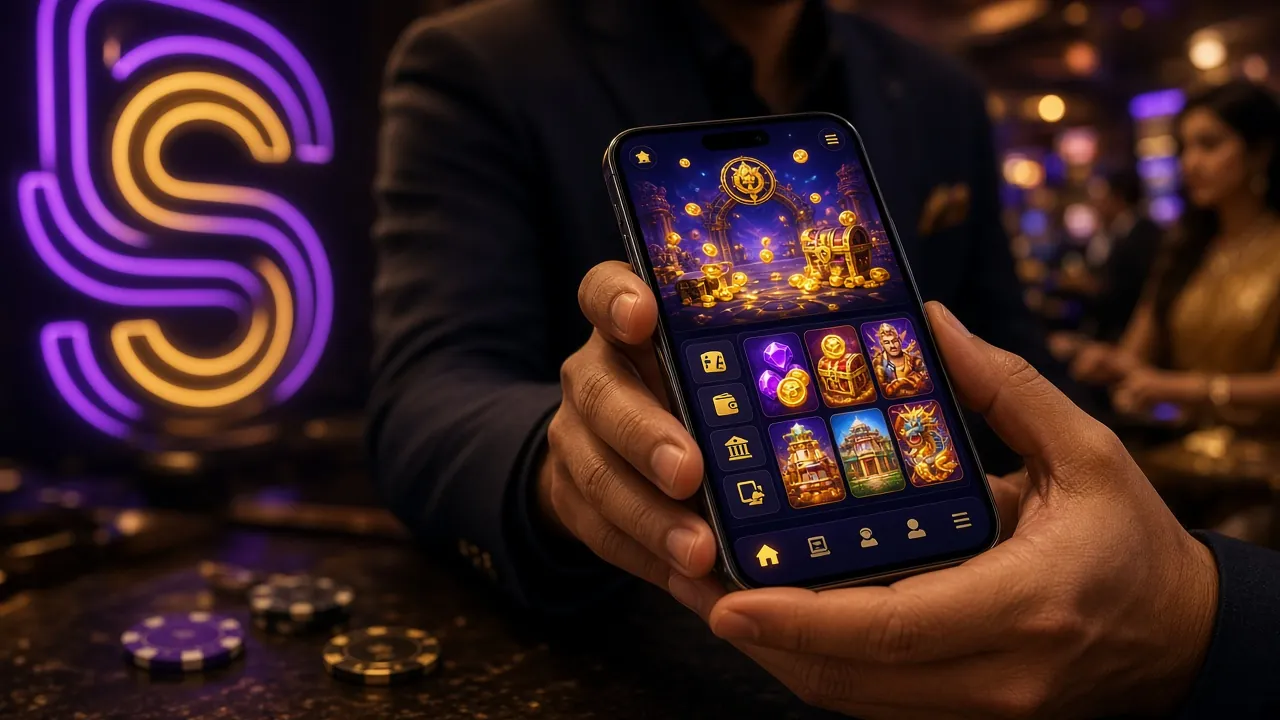
Prefer the mobile app? Download the 5gbd App (v2.5.3) and log in directly — no browser needed.
Login Not Working? Here Are the Fixes
Most 5gbd login failures come down to one of six causes. Find your situation in the table below and follow the resolution — most take under two minutes to fix.
| Problem | Likely Cause | How to Resolve |
|---|---|---|
| "Wrong password" error | Caps Lock is on, or you are using an old saved password from a previous reset. | Turn off Caps Lock and retype manually. If the issue persists, use the password recovery flow to set a new one. Passwords are case-sensitive — avoid copying from a note app that auto-capitalises the first letter. |
| Account temporarily locked | Five or more consecutive failed login attempts trigger a temporary 15-minute lockout as a fraud-prevention measure. | Wait 15 minutes, then try again with the correct credentials. If you are unsure of your password, use recovery before the lockout period ends. Contact [email protected] if the lock does not lift after 30 minutes. |
| OTP not received | SMS routing delay (peak hours), number entered incorrectly, or mobile data was off at the moment of sending. | Check that your mobile data or Wi-Fi is active, then tap "Resend OTP." Allow up to 90 seconds. If still not received, try switching between Wi-Fi and mobile data. Verify the number on file matches your registered Bangladesh mobile number exactly (11 digits, starts with 01). |
| Page won't load or spins indefinitely | Browser cache conflict, an outdated DNS entry, or a temporary network hiccup on the ISP side. | Clear browser cache and cookies (Settings › Privacy › Clear browsing data), then reload. Alternatively, switch to a different browser or use the 5gbd App which bypasses browser-level issues entirely. The app uses its own secure connection layer. |
| "Account not found" message | You may have registered with a different mobile number, or typed a digit incorrectly in the login field. | Double-check the number digit by digit. If you registered with a different SIM, switch to that number. If you have never created an account, register here. Do not create a duplicate account — contact support to merge if needed. |
| Login succeeds but balance shows ৳0 | You are logged into a different account, or a pending deposit has not yet been credited. | Log out and log back in to force a session refresh. Deposits via bKash and Nagad typically credit within 1 minute; if yours has been pending for more than 5 minutes, send the transaction ID to [email protected] or use Live Chat (available 24/7) for a manual check. |
Three Ways to Log In: Which Fits You?
5gbd supports three login entry points. Each works with the same credentials — your registered mobile number and password. Pick the method that matches your device and habit.
| Method | Best For | Speed | Offline Play | Status |
|---|---|---|---|---|
|
Mobile Browser 5gbd.vin in Chrome / Firefox |
First-time users, shared devices, any OS | Fast — loads in a few seconds on 4G | No | Available |
|
5gbd App (Android) v2.5.3 · 45 MB · Android 7.0+ |
Daily players, faster load, push notifications | Fastest — persistent session, no re-login after each visit | Partial | Recommended |
|
Desktop Browser 5gbd.vin on PC / laptop |
Multi-table live casino, detailed stats review | Fast — full-screen layout, all features visible | No | Available |
The Android app gives you a persistent login session, so you skip the mobile number and password screen on every visit. Download the 5gbd App here — it is free and takes about two minutes to install.
How to Log In: Four Steps
Whether you are on the browser or the app, the login process is identical. Follow these four steps exactly to avoid common input errors.
-
1
Open the Login Page
Go to 5gbd.vin in your browser and tap the "Log In" button in the top-right corner of the navigation bar. On the 5gbd App, tap the login icon on the home screen. Both routes lead to the same form. Make sure your internet connection is stable — mobile data (GP, Robi, Banglalink) or Wi-Fi both work fine.
-
2
Enter Your Registered Mobile Number
Type your 11-digit Bangladesh mobile number in the phone field (e.g. 017XXXXXXXX). Use the number you provided at registration — this is your unique account identifier. The field uses numeric keyboard mode on Android automatically. Do not add +880 country code; just enter the 11 digits starting with 01.
-
3
Type Your Password and Submit
Enter your password in the password field. Tap the eye icon on the right to reveal characters if you need to verify. Check "Remember me" on your personal device so the session stays active across visits. When both fields are filled correctly, tap "Log In to 5gbd." The login process completes in under three seconds on a normal connection.
-
4
Verify and Start Playing
After a successful login, you land on your account dashboard. Check your wallet balance in the top bar. If you have an active bonus from your first deposit (up to ৳24,500 on a 130% match), it shows under "My Bonuses." Head to 5gbd Casino to pick a game. All available titles — slots, fishing, live casino — are ready instantly without any additional verification for existing players.
Your 5gbd Login Is Only as Safe as These Habits
5gbd uses SSL encryption on every page. But account security also depends on how you handle your credentials. These five practices stop the most common account-takeover attempts.
-
Use a unique password — not your bKash PIN
Your 5gbd password should be different from your mobile banking PINs. Use at least eight characters mixing letters and numbers. Avoid your birth date, phone number, or anything that someone who knows you could guess. A password manager (built into Chrome or Firefox) can generate and store a strong password for free.
-
Only log in from your own device
Logging in from a friend's phone or a public device (internet café, shared tablet) leaves your session accessible to others. If you must use a shared device, untick "Remember me," log out when done, and clear the browser history. The 5gbd App on your personal Android phone is the safest option — it keeps the session tied to your registered device.
-
Never share your login details with anyone
5gbd support staff will never ask for your password, OTP, or bKash PIN — in Live Chat, email, or SMS. If anyone claiming to be from 5gbd asks for these, it is a phishing attempt. Report the contact to [email protected] immediately. This includes contacts made through Telegram, WhatsApp, or social media groups.
-
Always confirm the URL is 5gbd.vin
Fake sites copy the visual design exactly. Before entering your password, confirm the address bar shows 5gbd.vin with a padlock icon. Bookmark the real URL now so you don't rely on search results, which can list sponsored phishing links. The 5gbd App connects directly to the authenticated server and is immune to URL spoofing.
-
Change your password if you notice anything unusual
If you see login activity you don't recognise — an unexpected session, a deposit or withdrawal you didn't initiate, or a balance discrepancy — reset your password immediately using the recovery flow below. Then contact Live Chat (available 24/7) so the team can audit your account history. Acting quickly limits any potential loss.
Forgot Your Password? Recovery in Three Steps
If you can no longer access your account because of a forgotten password, the reset process takes about two minutes. You need access to the mobile number you registered with.
Tap "Forgot Password" on the Login Page
On the login form, tap the "Forgot password?" link below the password field. You will be taken to the account recovery screen. Enter the mobile number associated with your 5gbd account — exactly as you registered it, 11 digits starting with 01. Tap "Send OTP."
Enter the OTP Sent to Your Mobile
A 6-digit OTP will arrive by SMS within 30–90 seconds. Open your messages app and enter the code in the verification field. Codes expire after 5 minutes. If you don't receive the OTP within 90 seconds, tap "Resend OTP" once. Still nothing? Check that your SIM has an active number and mobile data or signal.
Set a New Password and Log Back In
After OTP verification, type your new password twice to confirm. Choose something you have not used before — at least eight characters. Tap "Save Password." You are automatically redirected to the login page. Enter your mobile number and new password to log in. Update your password manager if you use one.
If you no longer have access to your registered number (SIM lost or changed), contact [email protected] with your account details and a copy of your National ID Card for manual identity verification.
Login Questions Players Ask Most
01 I entered the right password but keep getting an error — what is happening?
02 Can I log in on two devices at the same time?
03 Why does the site log me out automatically after a short time?
04 I registered but cannot find the account — did my registration go through?
05 Is the 5gbd login page safe to use on mobile data?
06 After logging in, how quickly can I make a deposit and start playing?
Create your free account in under two minutes. First deposit gets a 130% bonus up to ৳24,500.
5gbd App v2.5.3 for Android — 45 MB, free. Log in once and stay logged in permanently.
Over 5,800 games from JILI, Pragmatic Play, Ezugi and more — slots, fishing, live tables.