5gbd App — Get the APK
for Your Phone
The 5gbd App brings your full account to mobile: slots, live casino, Aviator crash games, and cricket betting — all accessible via bKash or Nagad deposit. Version 2.5.3 is free to download and takes under a minute to install.
Scan this QR code with your Android phone camera to go directly to the APK download.
Free · v2.5.3 · 45 MB · Android 7.0+ · 18+ · Play Responsibly
| Version | 2.5.3 |
| File Name | 5gbd.apk |
| File Size | 45 MB |
| Min. Android | Android 7.0 (Nougat) |
| Last Updated | 5 November 2026 |
| Price | Free |
| Language | English / Bangla |
| Platform | Android (APK sideload) |
Installing on Android: Step by Step
The 5gbd App is not on Google Play — you download the APK directly and install it yourself. This takes about 60 seconds. Follow the five steps below exactly.
-
1
Allow Unknown Sources
Open your phone's Settings → Apps → Special App Access → Install Unknown Apps. Find your browser (Chrome or Firefox) and toggle Allow from this source to ON. Without this, Android will block the APK. You can turn it off again after installation.
-
2
Download the APK File
Tap the Download APK button on this page or scan the QR code above. Your browser will save 5gbd.apk (45 MB) to your Downloads folder. Wait for the progress bar to reach 100% before moving to the next step — a partial download will not install correctly.
-
3
Open and Install
Once downloaded, tap the notification or open your File Manager → Downloads and tap 5gbd.apk. Android will show an install screen listing the app permissions. Tap Install. The process takes roughly 10–15 seconds depending on your device speed.
-
4
Launch the App
After installation completes, tap Open in the installer or find the 5gbd icon on your home screen. The app will load your personalised lobby. If you already have a web account, your login details work without re-registering — just enter your username and password.
-
5
Deposit and Play
Tap Deposit in the app menu and choose bKash, Nagad, Rocket, or Upay. The minimum deposit is ৳250 and funds arrive within 1 minute. First-time depositors receive a 130% welcome bonus — up to ৳24,500. No code needed; the bonus is applied automatically.
No App Store Needed for iPhone
iOS users cannot install an APK file. Instead, add the 5gbd website as a shortcut on your iPhone's home screen — it behaves like a native app, opens full-screen, and saves your login session.
- 1 Open https://5gbd.vin in Safari on your iPhone or iPad.
- 2 Tap the Share button (the box with an arrow pointing up) at the bottom of the screen.
- 3 Scroll down and tap Add to Home Screen. Give it the name "5gbd" and tap Add.
- 4 The 5gbd icon now appears on your home screen. Tap it to open the site in a full-screen view without browser controls.
- 5 Log in and deposit — all features, including live casino and Crash games, are fully available via Safari on iOS 15 and above.
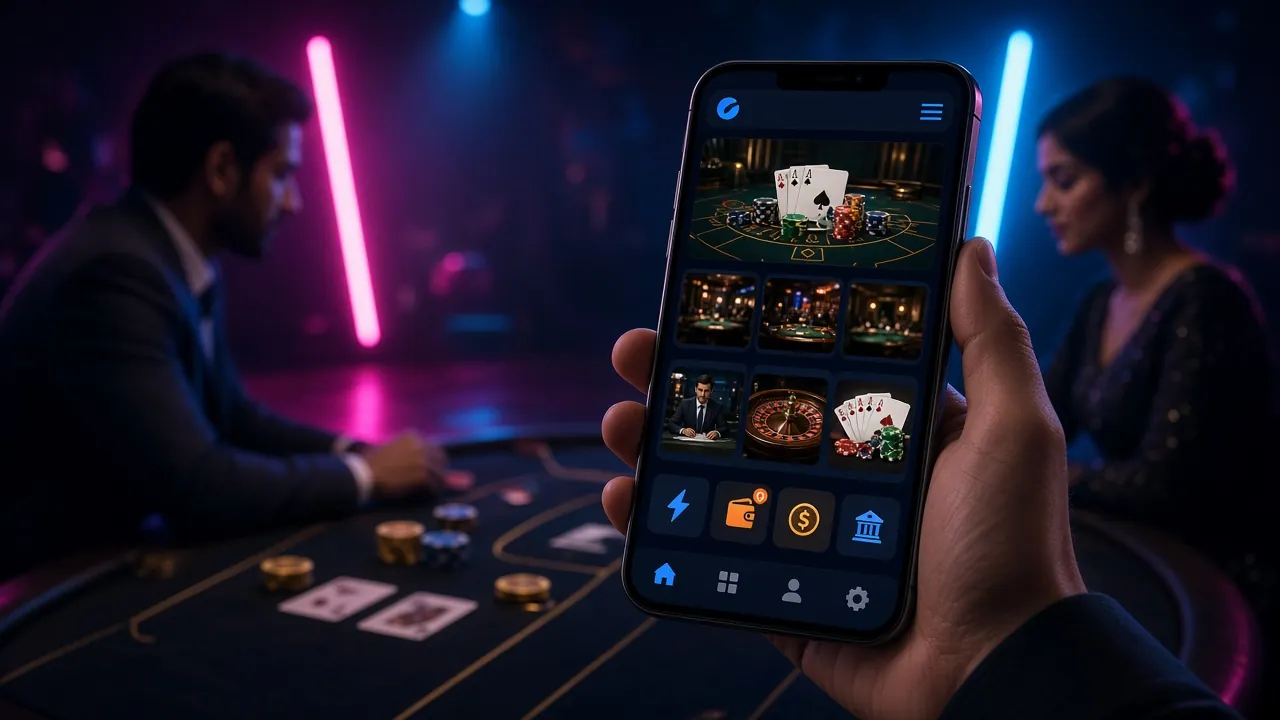
Everything the App Puts in Your Pocket
Explore CasinoThe 5gbd App is not a stripped-down version — you get the same lobby as the desktop site. Here is what is available from the moment you install.

Slots & Arcade Games
Access the full slots lobby — over 5,800 titles from JILI, FA Chai, Pragmatic Play, KA Gaming, and more. Tap any game to load it instantly. Minimum bet starts at ৳1 on many titles, so you can play short sessions without large stakes.

Live Casino Tables
Sexy Gaming and Ezugi power the live lobby: baccarat, roulette, blackjack, and game-show formats with real dealers. Streams are optimised for 4G and Wi-Fi connections. If your signal is weak, the app automatically drops to a lower-bandwidth stream to keep the game running.
Crash Games: Aviator & More
Aviator, Go Rush, and other crash-style games load in the app exactly as they do on desktop. The multiplier animation is smooth on Android 7.0 and above. You can place two simultaneous bets and cash out each at a different multiplier — this feature is fully available in the app. See our Aviator guide for tactics.
Cricket & Football Betting
Bet on BPL, IPL, T20 World Cup, and domestic cricket matches alongside Bangladesh Premier League football. Pre-match and in-play markets are both available. Odds update in real time and your bet slip saves automatically — handy when you switch apps mid-match and return.
Fishing & Mini-Games
Dragon Fishing 2, Monkey King Fishing, and Relax Fishing are designed for touch controls — tap to aim, hold to charge your cannon. These games were specifically optimised for the mobile client by FA Chai and KA Gaming. Sessions are short, which suits commutes or breaks between matches.
Deposits & Withdrawals In-App
Top up via bKash, Nagad, Rocket, or Upay directly in the app — no browser switch needed. Deposits arrive in under 1 minute; withdrawals process in roughly 5 minutes once approved. The minimum deposit is ৳250. Need more detail? Read the full deposit guide.
App vs. Browser: Which Is Faster?
Both options give you a full 5gbd experience. The table below shows where the app pulls ahead and where the browser is equally good.
| Feature | 5gbd App (APK) | Mobile Browser |
|---|---|---|
| Game load speed | Faster — cached assets on device | Good on 4G, slower on 3G |
| Push notifications for odds & bonuses | Yes — opt-in after install | Not available |
| Biometric login (fingerprint) | Yes — Android 8.0+ | Not available |
| Auto-stay logged in | Yes — session persists | Depends on browser settings |
| Works on iOS | APK not compatible | Yes — Safari full support |
| Live casino streaming quality | Adaptive — auto-adjusts to signal | Good but fixed quality |
| bKash / Nagad deposit | In-app, no browser switch | Yes — same speed |
| Game count | 5,800+ full lobby | 5,800+ full lobby |
| Crash & Aviator games | Smooth 60fps on Android 9+ | 60fps on modern Chrome |
| Storage needed | 45 MB install | Zero — no install |
| Updates | Manual: download new APK when prompted | Auto — always latest version |
Download the latest 5gbd APK directly. Free, no account required to download.
How the App Looks on Your Phone
- Quick Deposit: Top up with bKash or Nagad inside the app. Funds arrive in under 1 minute; minimum is ৳250.
- Bonus Alerts: Get push notifications when your daily cashback (1.6%) is credited or when a new promotion goes live.
- Fingerprint Login: Skip typing your password every time. Biometric login works on most Android 8.0+ devices.
- Live Score Widget: Follow cricket and football scores on the home screen while a game loads in the background.
Scan with your Android phone camera to open the download link directly. No Play Store account needed.
What the App Accesses — and Why
The 5gbd App requests only the permissions it genuinely needs. No contacts, no camera, no location. Here is a plain-language breakdown of what the app asks for during installation.
SSL Encryption on All Traffic
Every connection between the app and 5gbd's servers uses TLS 1.3 encryption. Your deposit requests, login credentials, and game sessions are protected from interception. The same encryption standard used by major Bangladesh banks applies here. You can verify the certificate by opening 5gbd.vin in a browser and checking the padlock icon.
Internet Access (Required)
The app requests internet permission to load games, process payments, and stream live casino feeds. This is the only permission required for core functions. The app does not access your Wi-Fi network information, your router details, or other apps on your device. Turn off mobile data to pause all activity — the session resumes when you reconnect.
Storage (Optional — Save Images)
The app requests optional storage access only when you save a screenshot or download a receipt for a successful withdrawal. If you deny this permission, all other features work normally. No game data or personal information is written to your phone's local storage — your account lives on the server, not the device.
Notifications (Optional — Opt-In)
Push notifications are off by default. You choose whether to enable them on first launch. If enabled, you receive alerts for cashback credits, deposit confirmations, and promotional offers. You can disable them at any time from Android Settings → Apps → 5gbd → Notifications, without affecting your ability to play or withdraw.
System Requirements and Version History
Below are the full technical requirements for the current version. If your device does not meet the minimum spec, the app will still install but some features (such as live casino streams and crash game animations) may run slowly.
| Parameter | Minimum | Recommended |
|---|---|---|
| Android Version | 7.0 (Nougat) | 10.0 or higher |
| RAM | 2 GB | 4 GB or more |
| Free Storage | 60 MB (install + cache) | 150 MB to allow game asset caching |
| Internet Connection | 3G (1 Mbps) | 4G / Wi-Fi (5 Mbps+ for live casino) |
| Screen Resolution | 720 × 1280 px | 1080 × 2400 px |
| Current Version | 2.5.3 — released 5 November 2026 | |
| File Name | 5gbd.apk (45 MB) | |
| iOS Support | No native app — use Safari and "Add to Home Screen" (iOS 15+) | |
When a new version is available, you will see a banner inside the app prompting you to download the updated APK from this page. The update process is the same as the initial install — download, tap, and confirm.
Install Not Working? Solve It in 60 Seconds
Most installation issues have a simple fix. Find your error in the table below and follow the solution — these cover over 90% of reported problems from Bangladesh users.
| Problem | Likely Cause | Solution |
|---|---|---|
| "Install blocked" or "Not allowed" message | Android's "Install Unknown Apps" permission is turned off for your browser or file manager. | Go to Settings → Apps → Special App Access → Install Unknown Apps. Find Chrome or your file manager, switch it to Allow. Then tap the APK again. After installing 5gbd, you may turn this permission off again for security. |
| Download stops at 60–80% and fails | Unstable mobile data or server timeout mid-transfer. Common on GP and Robi 3G during peak hours. | Switch to Wi-Fi if available, or wait until off-peak hours (after 11pm). Clear your browser's download queue, thentap the Download APK button again. Do not close the browser tab during download. |
| "App not installed" or "Package appears invalid" | The APK downloaded incompletely (file is corrupt) or an older version of 5gbd is already installed and conflicting. | First, uninstall any existing 5gbd app from Settings → Apps. Delete the corrupt file from Downloads. Then download a fresh copy of 5gbd.apk from this page. Do not rename the file before installing. |
| App installs but crashes on the loading screen | Device has less than 2 GB RAM or is running Android 6 or older. Graphics driver incompatibility is also possible on some older Walton or Symphony phones. | Free up RAM by closing background apps before launching. If the problem persists, use the mobile browser version instead — open 5gbd.vin in Chrome, which works fully on Android 5+. Contact support via Live Chat if you need device-specific help. |
| Login works but games refuse to load | Your internet connection is too slow to load game assets, or the app cache is corrupted after an interrupted update. | Go to Settings → Apps → 5gbd → Storage → Clear Cache. This does not delete your account. Then restart the app. If a specific game still fails, tap the three-dot menu inside the game and choose Reload. Live casino requires at least 2 Mbps — switch to Wi-Fi for best results. |
Still stuck? Open Live Chat inside the app or via the website — support is available 24/7.
Questions Players Ask Before Downloading
01 Is the 5gbd APK file safe to install?
02 Why is the 5gbd App not on Google Play?
03 How do I update the app when a new version is released?
04 Can I use the same account on the app and the browser?
05 What happens to my welcome bonus if I register on the app?
06 Does the app work on Walton, Symphony, and other local Android phones?
07 Is bKash deposit available inside the app without opening a separate browser?
Support is available 24/7 — Live Chat, or email [email protected].